
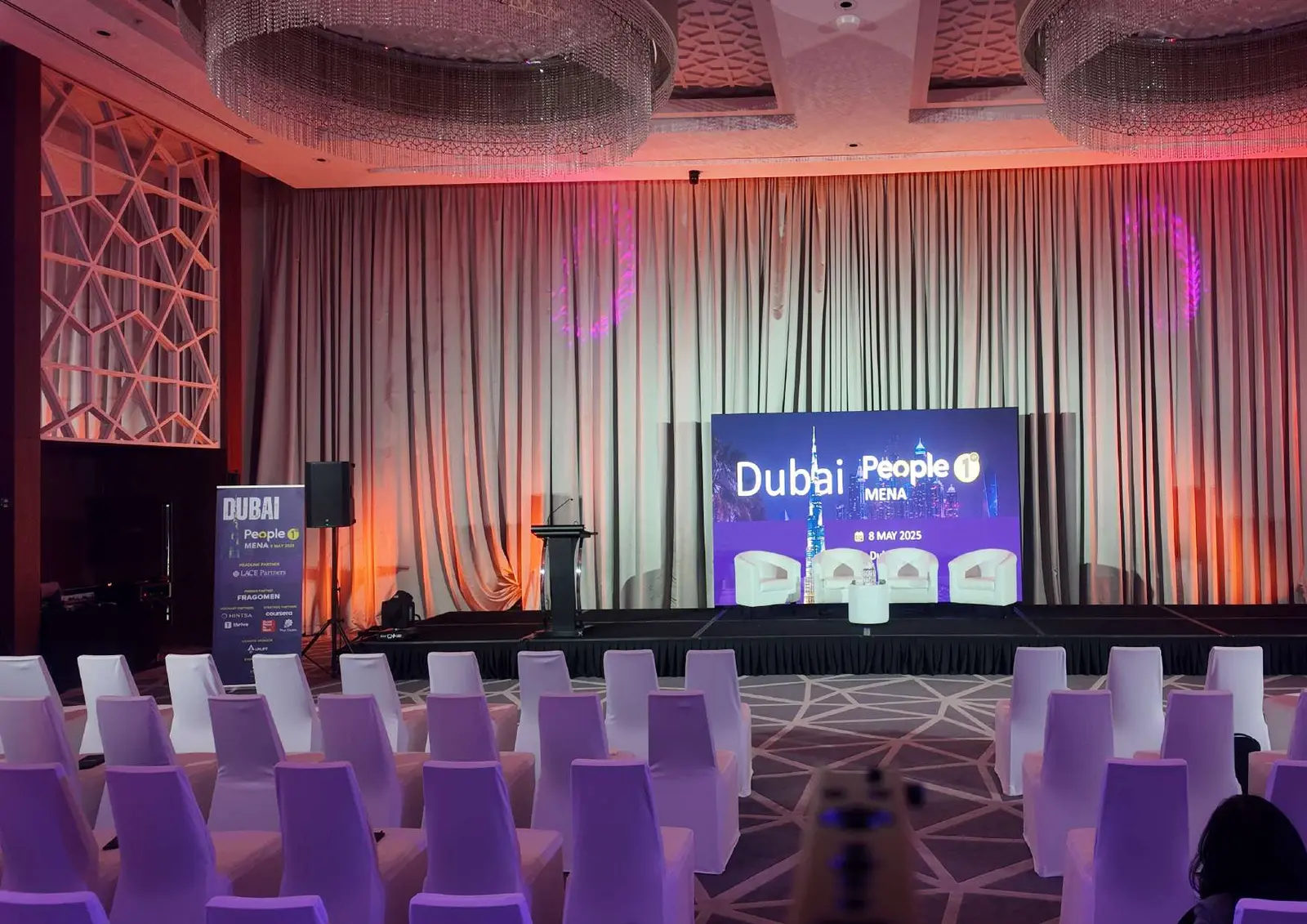
A run of show is the minute-by-minute plan for an event. It lists every moment in order, and next to each moment it says what happens on stage, on the screens, in the sound system and with the lights. It is the one document the whole crew works from on the night. Below is how to write one, a worked example for a corporate gala, and a free template you can download and edit.
Run of show vs agenda: what is the difference?
The agenda is the short version you print for guests: 18:30 welcome, 18:45 keynote, 19:30 awards. It tells people where to be and when.
The run of show is the long version for the people delivering the event. For the same 18:45 keynote, it says which walk-on music plays, which slide file is loaded, which microphone the speaker uses, where the spotlight points and who gives the speaker the signal to go. It also covers the moments guests never see, such as the five-minute warning to the kitchen before dinner service.
A simple test: if your document would work as a printed programme, it is an agenda. If the sound engineer could run the evening from it without asking you anything, it is a run of show.
The columns a run of show needs
You can add more, but these twelve columns cover most corporate events. They are the same columns as in our template.
| Column | What goes in it |
|---|---|
| Cue | A number for each moment, so the crew can say "standby cue 6" instead of describing it |
| Clock time | The planned start time of the moment |
| Duration | How long it runs. This is what lets you see early that the evening is too long |
| Segment | The name of the moment: host welcome, CEO keynote, awards |
| On stage | Who is on stage, and where they stand |
| Audio | Walk-on music, playback, which sound source is live |
| Screens / LED | The exact slide or film file on screen, including its version |
| Lighting | The lighting state: house lights up or down, stage wash, spotlight |
| Stage and props | Lectern position, trophy table, chairs for a panel |
| Microphones | Which microphone each person uses, and which are muted |
| Owner | The person responsible for the cue happening |
| Notes | Anything that could go wrong, and what to do if it does |
Smaller events can merge Lighting and Stage into one column. Larger events often add a column for camera directions if the event is filmed or streamed.
A worked example: a corporate gala evening
Here is part of the example in the template, a staff gala with a keynote, dinner, awards and a band. The full version in the download has every column filled in.
| Cue | Time | Segment | What the crew does |
|---|---|---|---|
| 1 | 18:30 | Seating call | Voice of God (VOG) announcement asks guests to sit. House lights to half. |
| 2 | 18:32 | Opening film | House lights out. Film plays from the main playback machine, backup ready. |
| 3 | 18:33 | Host welcome | Walk-on music, host mic live, name caption on screen, lectern spotlight. |
| 4 | 18:36 | CEO keynote | Slides version 4 loaded. Lectern mic plus a headset backup. Kitchen gets a standby. |
| 6 | 19:30 | Awards | Sting music for each category, winner slides, spotlight follows each winner. |
| 8 | 19:52 | Band | Show lighting. Hard stop at 20:17 so the close stays on time. |
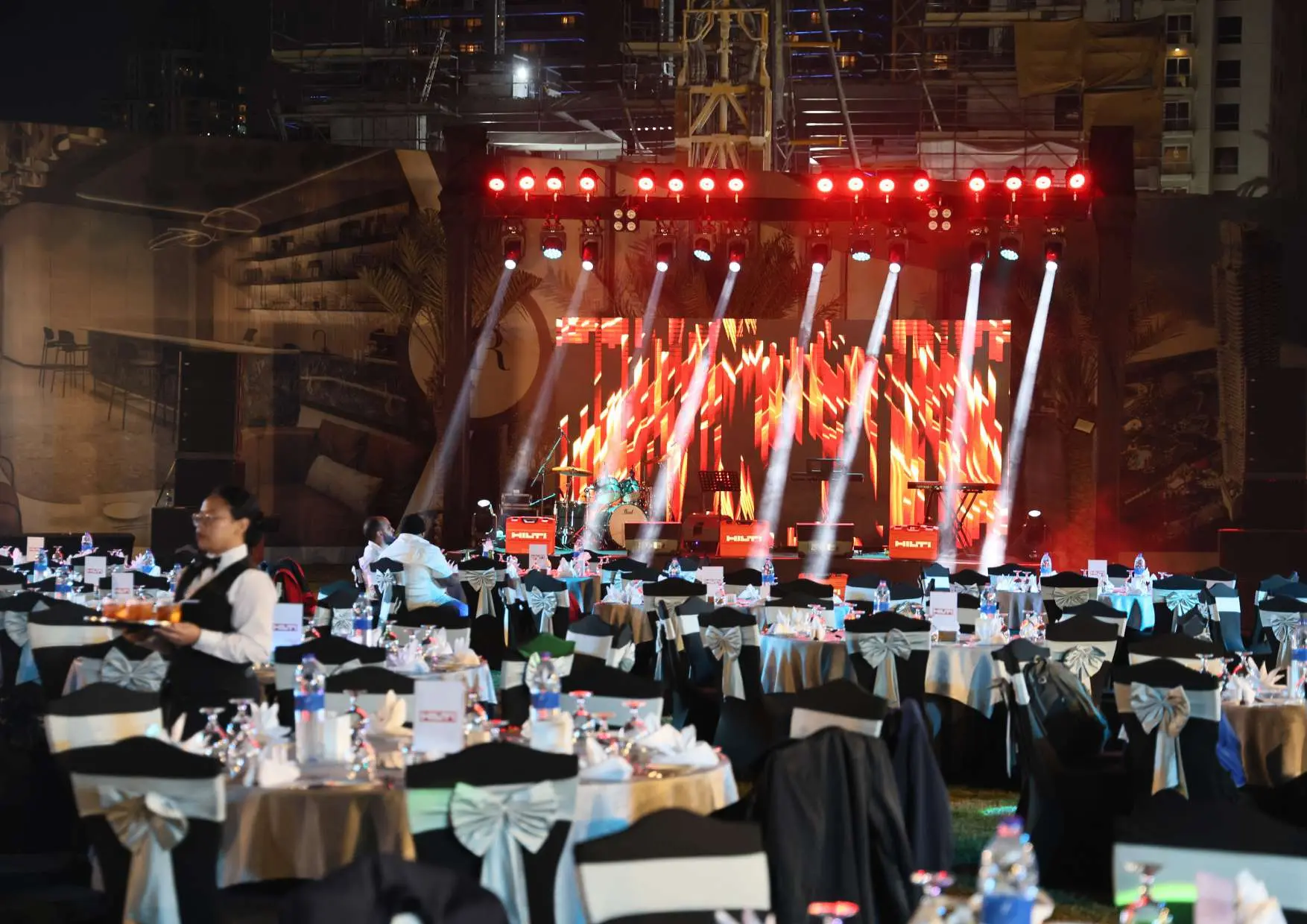
Two details in this example matter more than they look. First, the dinner standby goes to the kitchen at cue 4, during the keynote, not when the keynote ends. Kitchens need notice to plate food, and a late call is the usual reason a gala runs over. Second, the band has a hard stop written in. Entertainment is the segment most likely to overrun, and the close, sponsors and venue curfew all depend on it ending on time.

How to write a run of show, step by step
1. Start from the agenda and break it into cues
Take each line of the agenda and ask what changes in the room at that moment. "CEO keynote" is at least three cues: the walk-on, the keynote itself and the walk-off into the next segment. Every change of music, lighting, screen content or person on stage is its own cue.
2. Fill in the technical columns with the suppliers
You do not need to know the lighting states yourself. Write down what you want the moment to feel like, and the production team fills in how. This is also where problems surface early: a film with no sound file, a speaker who needs a lectern on a stage set for a panel, or two moments that need the same microphone at the same time.
3. Name an owner for every cue
The owner is the person who makes sure the cue happens. For a speaker, that is usually whoever looks after the speakers backstage. For a film, it is the playback operator. Write names, not departments, and add a phone number for each owner on the cover sheet.
4. Add up the durations
Write the duration of each cue and check that the total fits the time you have. Allow for walk-ons and applause, which are easy to forget and add up quickly across a long awards segment. If the total is over, cut now. On the night, the only things left to cut are the moments at the end, which are usually the sponsors' thank-yous and the close.
5. Write down what happens if it goes wrong
For the moments that matter most, use the Notes column for the backup plan. If the opening film fails, the host goes on early. If the CEO is delayed, the awards move up. Deciding this in advance takes five minutes; deciding it live, with a full room watching, is much harder.
6. Lock it, and number the versions
Every change after the first draft gets a new version number, and the file name includes it. Agree a cut-off after which nothing changes without the show caller knowing. Print the final version for everyone on headsets, and collect the old copies.
How the show caller uses it on the night
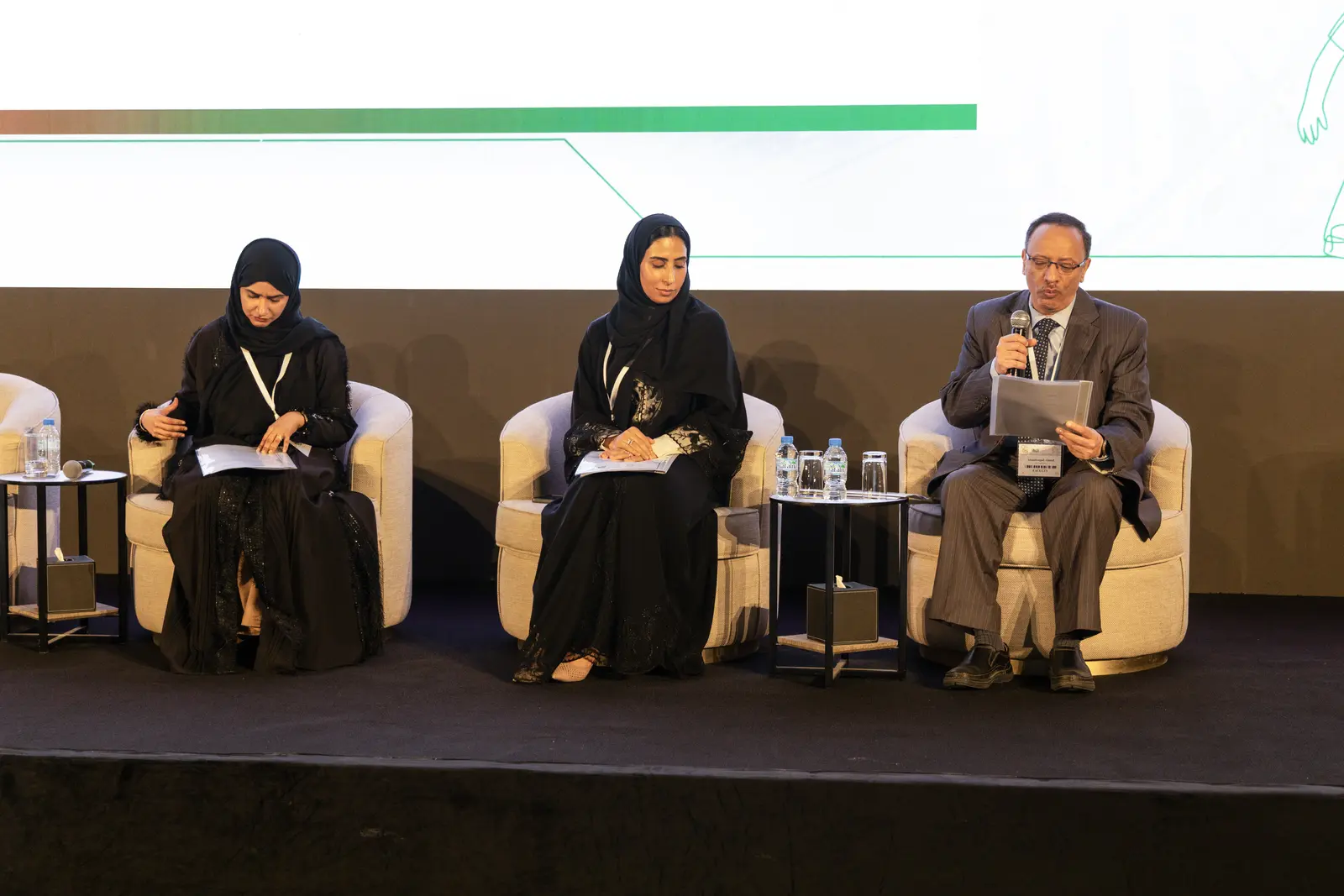
At most corporate events with real production, one person runs the show from the run of show. This is the show caller. They sit at the technical desk on a headset and call each cue to the crew in order, using a standard pattern: "standby cue 6" to warn the team, then "cue 6, go" at the exact moment.
This is why cue numbers matter. In a dark room with music playing, "go on the awards" can mean five different things. "Cue 6, go" means one.
The show caller also watches the clock. When a segment overruns, they decide with the client what to shorten, and tell the crew through the same document. A run of show is a plan for the night, but it is also the tool for changing that plan quickly when the night does not go to plan.
Common run of show mistakes
- No times for walk-ons and applause. Each one is short, but across a programme they add up to minutes the plan does not have.
- "Slides" with no file name. Speakers send new versions until the last minute. The run of show should name the exact file, so the wrong one is never played.
- Content arriving on the day. Films and slides that nobody has tested on the venue screens cause most rehearsal problems. Put a content deadline in the run of show itself.
- No rehearsal against the document. A run of show is only checked once the crew walks through it in the venue. Even a quick cue-to-cue rehearsal, which skips the speeches and runs only the transitions, catches most problems.
- Several "final" versions. If two people on headsets have different copies, they will call different things.
Download the free run of show template
Our template has all twelve columns and comes filled in with the gala example above, so you can see how each column is used before writing your own.
Download the run of show template (CSV)
It is a CSV file, which opens directly in Excel and Numbers. For Google Sheets, open a new sheet and choose File, then Import, then upload the file. Replace the sample rows with your own event, keep the column headings, and save each new version with its number in the file name.
When to bring in a production team
A run of show for a small meeting with one speaker and a few slides is easy to write yourself. Once an event has films, walk-on music, awards, live entertainment or more than one stage, the technical columns become most of the work, and they need people who know what each cue requires.
Our event production team writes and calls the run of show for the corporate events we manage, including gala dinners and awards nights. If you are still at the brief stage, start with how to brief an event production company, which explains why a rough run of show belongs in the brief. For a product reveal, the product launch checklist shows where the run of show fits in the launch timeline.
No comments yet.